Use the customer data you already track with Segment to build segments and start journeys in Kirora, in Segment’s own format. Point a Segment server library at Kirora, or add Kirora as a webhook destination in your Segment workspace, and your calls become contacts and events, ready for segments and journeys. Your tracking stays exactly as it is; all you add is a Kirora API key and the new host or destination.
Before you start
- Maintained by: Kirora maintains the address that receives Segment’s calls. The server libraries and the Webhooks (Actions) destination are Segment’s own.
- Availability: built into Kirora, with nothing to install.
- Direction: into Kirora, from Segment. Kirora sends nothing back to Segment.
- You need: a Segment server library in your backend, or a Segment workspace where you can add a destination, and a Kirora API key from Integrations › Segment, which admins, developers and the owner can create. For plans, see Which plans include it?
What it does
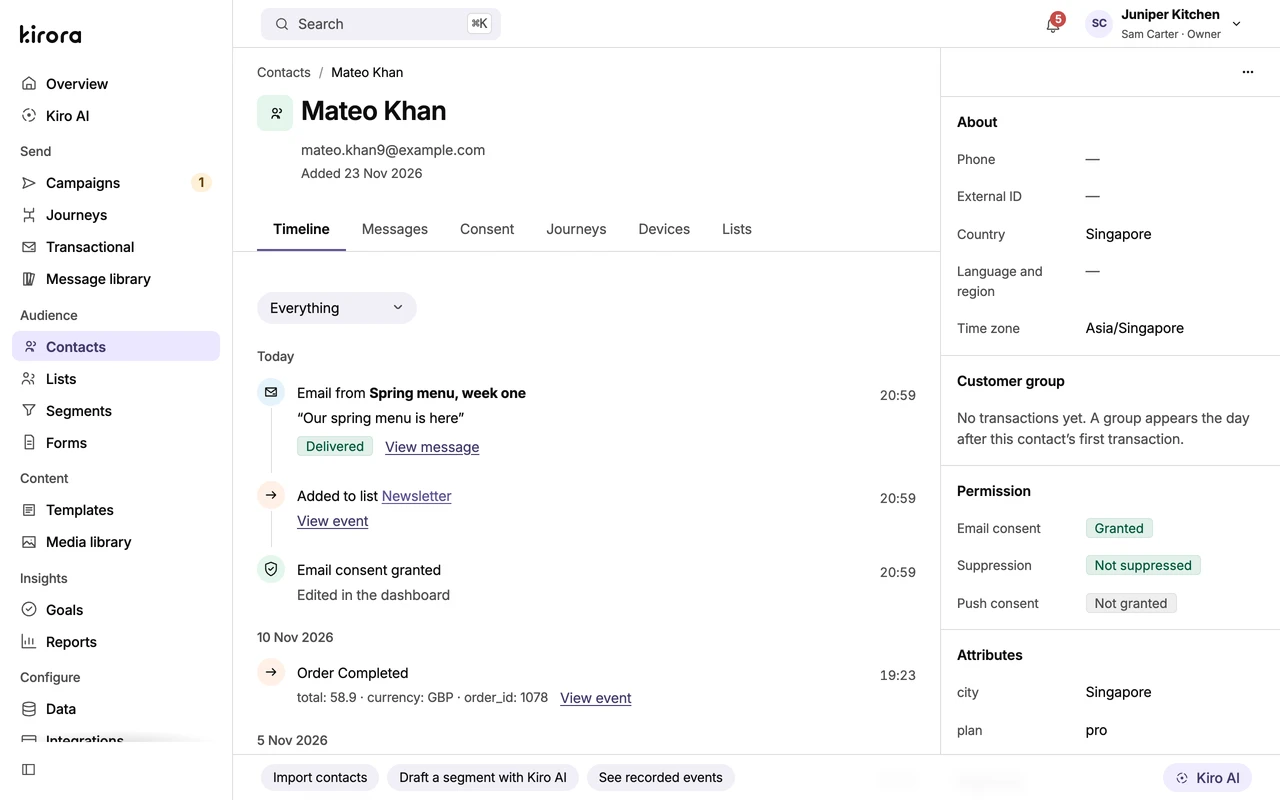
- Identify creates or updates a contact. Segment’s
userIdbecomes the contact’s external ID; without one, theemailtrait finds the contact. Email, name and phone fill the contact’s fields, and other traits become attributes. - Track records an event of the same name, with its properties, on the contact, and creates the contact if it’s new.
- Page and screen record Page Viewed and Screen Viewed events.
- Retries are recorded once: each call’s
messageIdis its idempotency key, so a library’s retry of the same call is recorded once.
Contacts and consent
- Matching: by
userIdfirst, as the contact’s external ID, then by theemailtrait. On a track call, an email incontext.traitsfinds a contact you imported by email, rather than creating a second one. - Consent: never read from Segment traits. A contact Segment creates has no marketing consent until your app records it through the contacts API or a form.
Connect Segment
Both options use a Kirora API key with the contacts:write and events:write scopes. In Kirora, go to Integrations › Segment and choose Create key: it gets those two scopes and is shown once. Never put it in a browser or a mobile app.
From a Segment server library. Use the Kirora key as the write key and https://api.kirora.io/segment as the host:
import { Analytics } from '@segment/analytics-node';

const analytics = new Analytics({
  writeKey: process.env.KIRORA_API_KEY,
  host: 'https://api.kirora.io/segment',
});
The other server libraries set the address in their own way:
| Library | Setting |
|---|---|
| Python | analytics.host = 'https://api.kirora.io/segment' |
| Go | analytics.Config{Endpoint: "https://api.kirora.io/segment"} |
| PHP | 'host' => 'api.kirora.io/segment' (no https://) |
| Ruby | host: 'api.kirora.io', path: '/segment/v1/import' |
| Java | .setUploadURL("https://api.kirora.io/segment/v1/import") |
From your Segment workspace. Add a Webhooks (Actions) destination with the URL https://api.kirora.io/segment/v1/batch and the header Authorization: Bearer <your Kirora API key>, sending the raw Segment event, or an array of events, as the body. A destination function can call the same URL.
Test it
- Send an identify call for yourself, with your own
userIdandemailtrait, then a track call. - Kirora answers
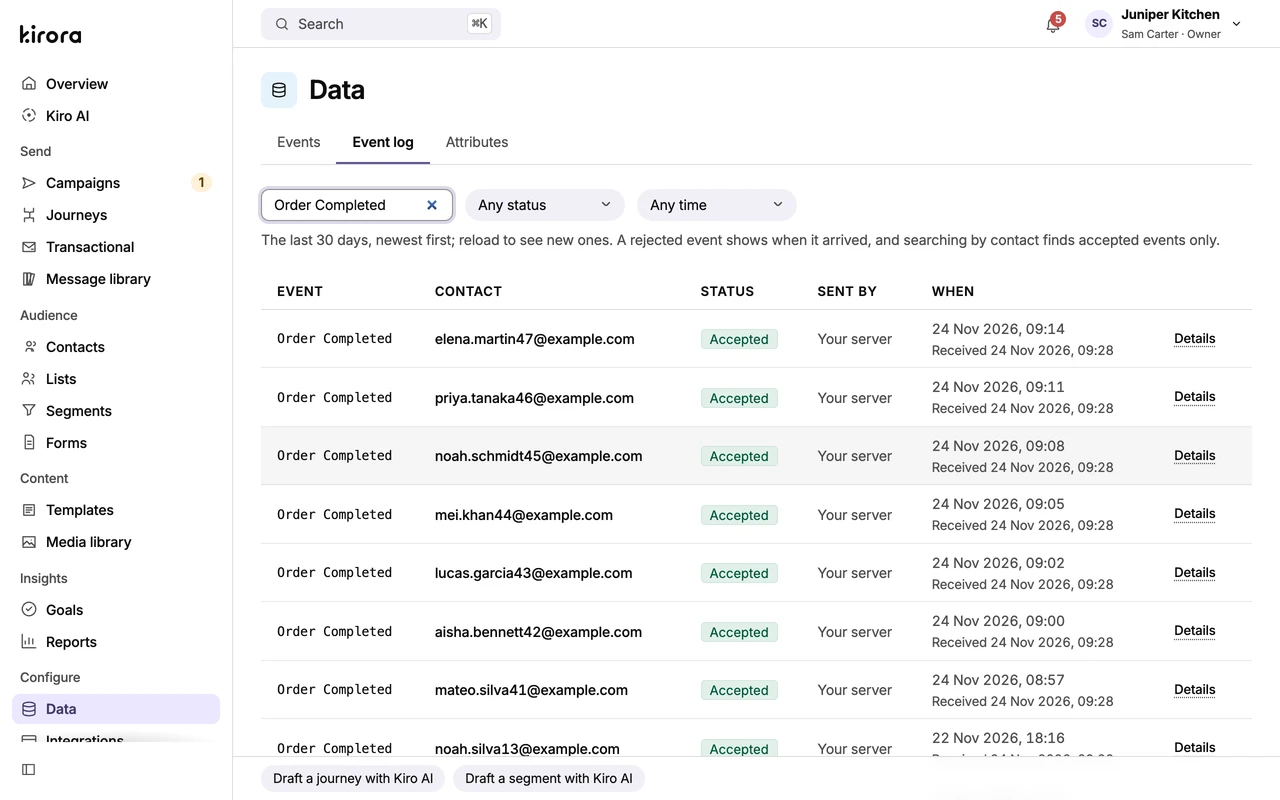
200with what became of each call:accepted, plus anyskippedorrefusedwith its place in the request and the reason. - In Kirora, the contact appears in Contacts, and Integrations › Segment shows Connected, naming the event it received.
Limitations
- Group and alias calls are skipped, and so are anonymous calls that carry only an
anonymousId, with nouserIdoremailtrait: Kirora keeps no anonymous profiles. - Segment’s browser and mobile SDKs aren’t supported, since they load their settings from Segment. Use Kirora’s web SDK in the browser.
- An event’s
timestampis when it happened, and an event more than 72 hours old starts no journey. - Only the first 50 traits in a call become attributes, since a contact holds up to 50.
- Each call can be up to 32 KB, and each request up to 500 KB and 500 calls.
Get help
Once Segment is connected, Activity on Integrations › Segment lists the events it sent over the last 30 days, and Calls from its keys opens each request, with its status and the reason one failed; with several keys, choose one under Key. A call skipped or refused within a request is listed in Kirora’s answer to that request. The Segment guide has every mapping and response. For anything else, contact us.
Questions
Which plans include it?
Available on Starter and above.
Next steps
- Sending data from Segment: the full guide, with every field mapping, limit and response.
- PostHog: the same address takes PostHog’s events.
- HTTP API: identify contacts and track events from your own code.